Smart Mobile Shelving System
A smart mobile shelving system combines motorized high-density archive storage with touchscreen control, visible operating status, configured user permissions, coordinated safety protection and project-specific management functions.
Intelligence should improve control, not add complexity
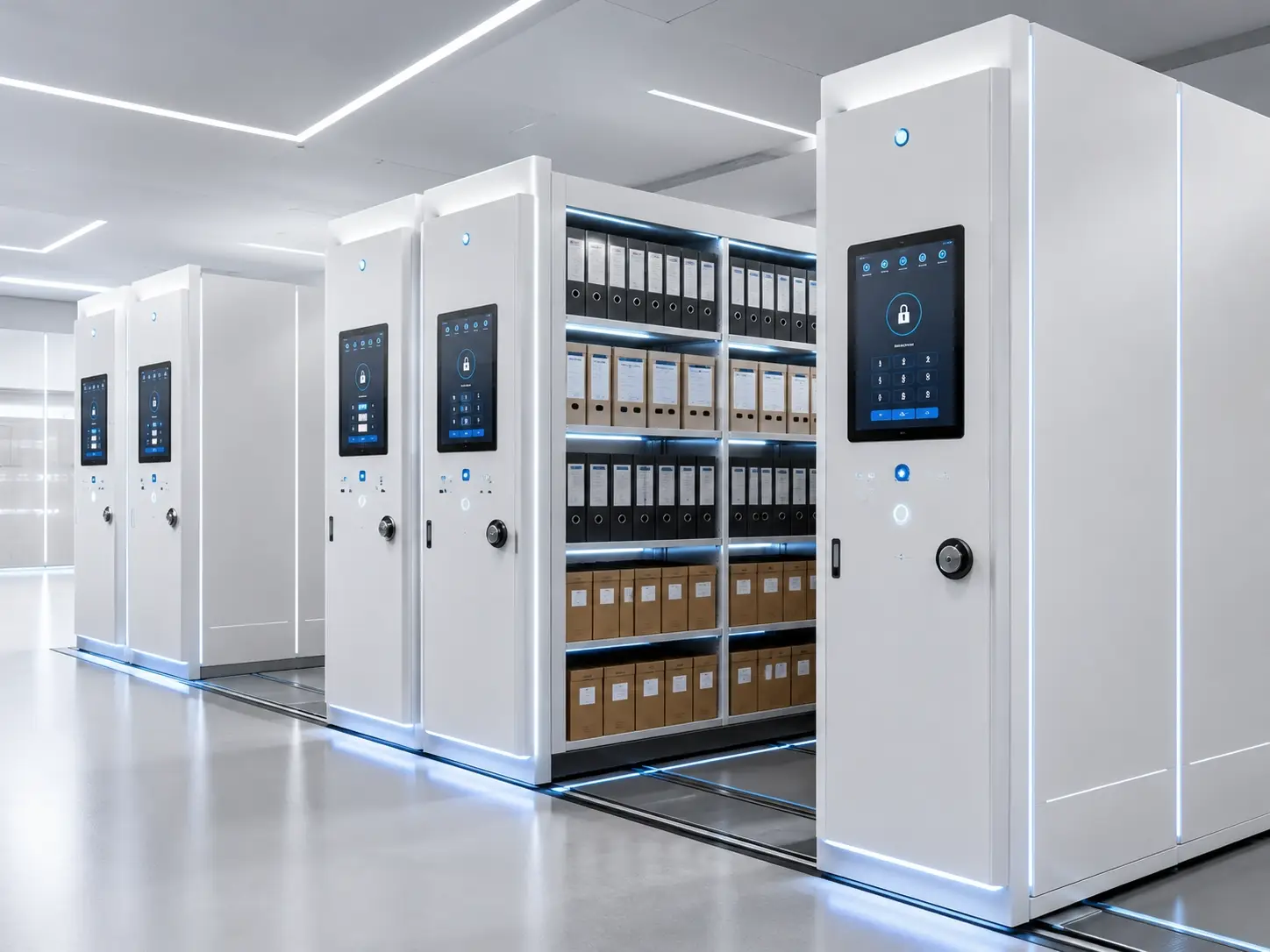
The system combines high-density mobile shelving with a defined operating logic. Operators can select an aisle, verify its status, open it through an authorized interface and respond to safety prompts without depending on manual cranks or isolated local controls.
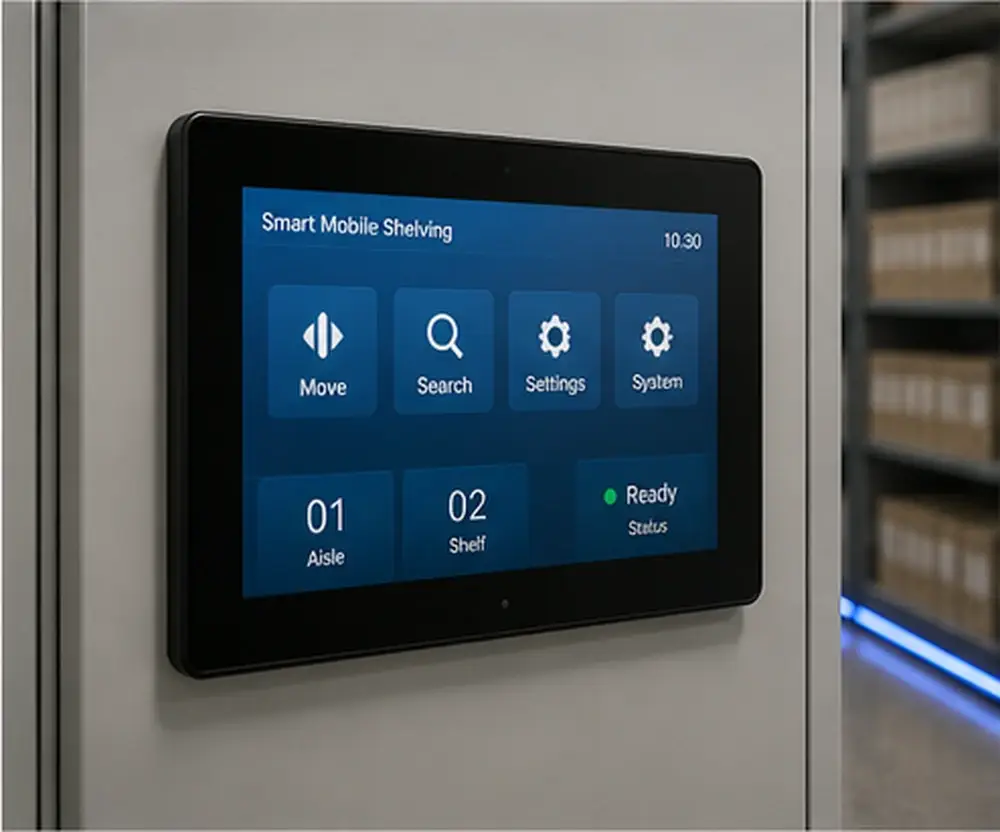
The interface can display aisle position, movement status, selected functions, warnings and ready conditions.
Access can be organized by operator, department or archive zone when the project requires controlled use.
Emergency stops, sensors, aisle confirmation and drive protection work as one operating system.
Optional functions can support aisle lighting, environmental inputs and approved archive-management workflows.
From aisle selection to protected movement
A well-designed interface shows what the system is doing, why movement is permitted or blocked, and when an aisle is ready for safe access.
Choose a row or archive zone from the approved control point.
The controller checks permissions, safety circuits and movement conditions.
Motorized bases move in sequence to create the requested access aisle.
Status prompts and aisle lighting confirm that access is available.
Smart control needs more than a touchscreen
A reliable installation starts with the archive room, stored load and building conditions. The control package is matched to the physical system rather than added as a separate feature.
Confirm obstacle detection, emergency-stop positions, aisle protection and recovery procedures.
Check rail arrangement, mobile-base load, shelf capacity and anti-tilt requirements.
Assess humidity, dust, lighting, ventilation and monitoring points required by the archive room.
Verify floor level, slab capacity, power, doorway access and installation sequence before production.
 The mechanical platform still determines reliability
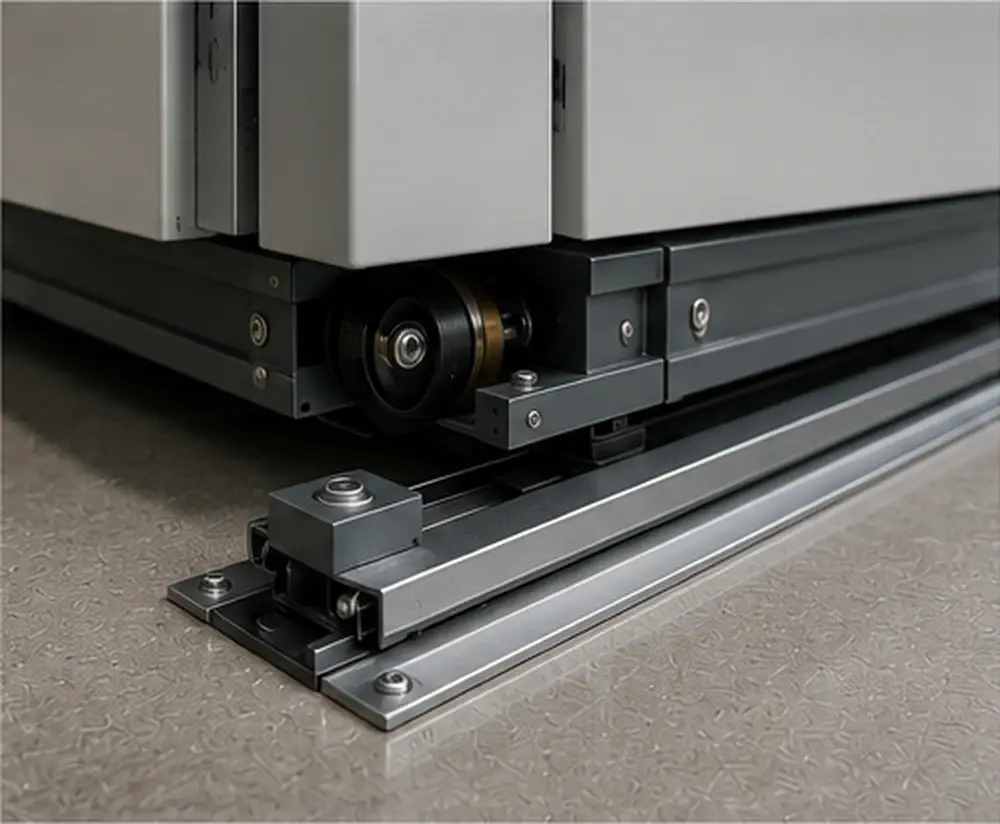
Tracks, mobile bases, row guidance and load transfer must be reviewed together with the control system.
A clear path from request to aisle access
The control structure can remain local for one archive room or expand to support multiple zones and approved interfaces. The final architecture depends on responsibility, data requirements and maintenance capability.
User Request
An authorized operator selects an aisle, zone or record location.
Control Decision
The controller verifies permission, system state and safety conditions.
Drive Response
Motorized bases move in a coordinated sequence with monitored protection.
Access Confirmation
The selected aisle opens and the interface reports a ready condition.
Build the control package around the archive workflow
Functions should be selected according to actual operating needs. A properly defined package gives staff the information and control they use every day without adding unnecessary training and maintenance complexity.
Core Control and Safety
Local aisle selection, operating prompts and system status.
Buttons or indicators positioned on mobile bases where required.
Locations determined according to layout and risk review.
Photoelectric, pressure-edge or other approved sensor options.
Maintenance or emergency operation provision for loss of power or faults.
Optional Management Functions
Password, card or configured user levels by operator or archive zone.
Automatic activation for the opened working aisle.
Operation or alarm records where required by the project.
Temperature, humidity or ventilation interfaces where specified.
Project-defined connection to approved archive-management systems.
Parameters are confirmed after room and load review
The following ranges are preliminary references for early planning. Final dimensions, loads, controls, electrical components and safety devices are confirmed after SAS reviews the project documents.
Where smart mobile shelving fits
The smart version is most useful when the archive room needs more than powered movement. It adds visibility, permissions and coordinated functions to the motorized storage platform.
Manual Mobile Shelving
Mechanical movement for archive rooms where simple operation and lower maintenance complexity are the main priorities.
- Hand-crank operation
- Mechanical locking
- No electrical supply required
- Best for lower retrieval frequency
Electric Mobile Shelving
Motorized aisle opening with local controls and sensor-based safety for regular archive access.
- Button or panel control
- Emergency-stop devices
- Reduced operator effort
- Best for frequent powered access
Smart Mobile Shelving
Touchscreen operation, status visibility and configured permissions for controlled or process-led archives.
- Touchscreen and coordinated logic
- User or zone permissions
- Warning and function display
- Best for controlled multi-user archives
Designed for controlled archive environments
Smart mobile shelving is most valuable when users, permissions, retrieval frequency and safety responsibilities need to be organized around a defined archive workflow.
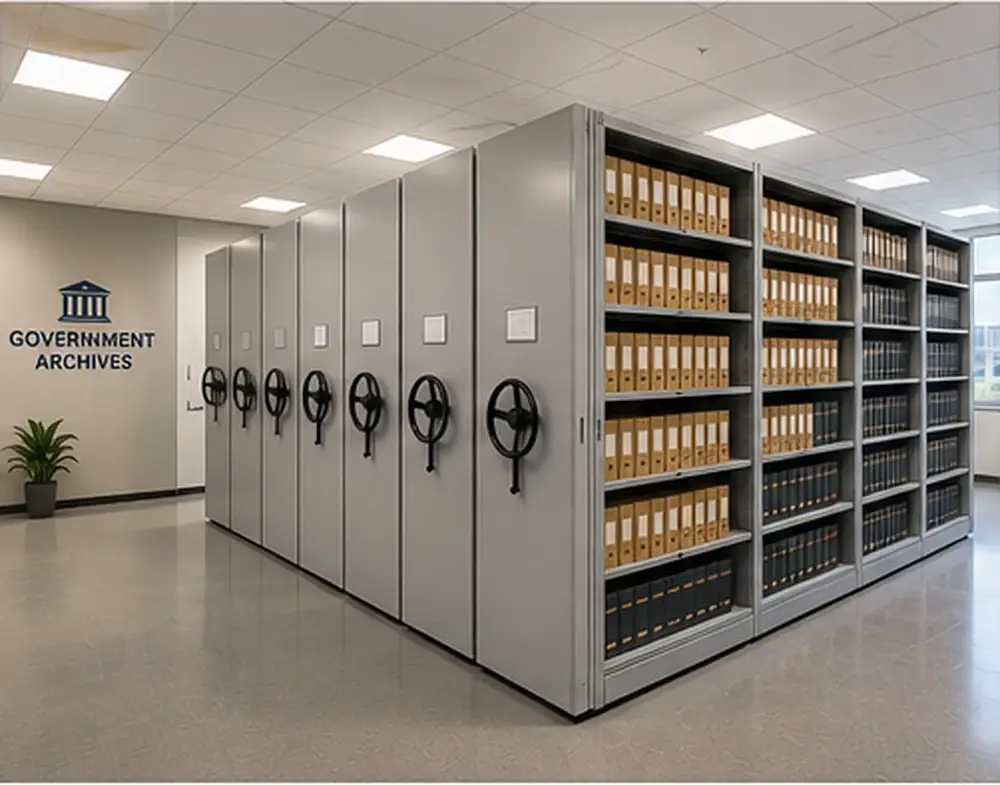
Government Archives
Departmental records, administrative files and controlled archive zones.
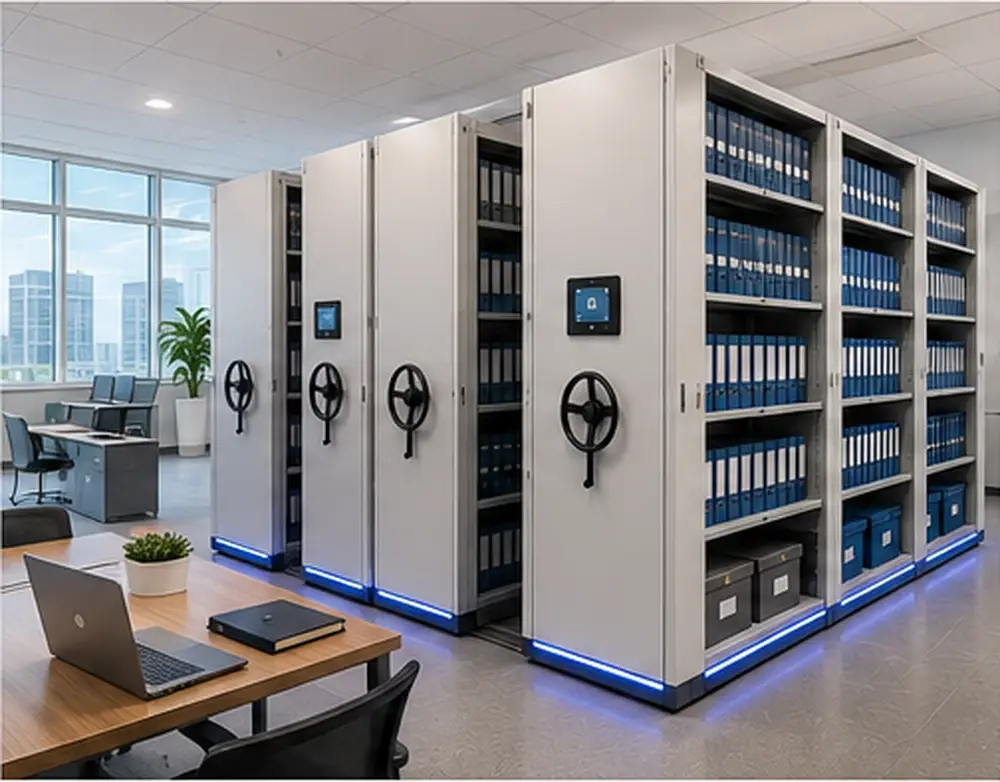
Enterprise Document Centers
Contracts, engineering files and multi-team access.
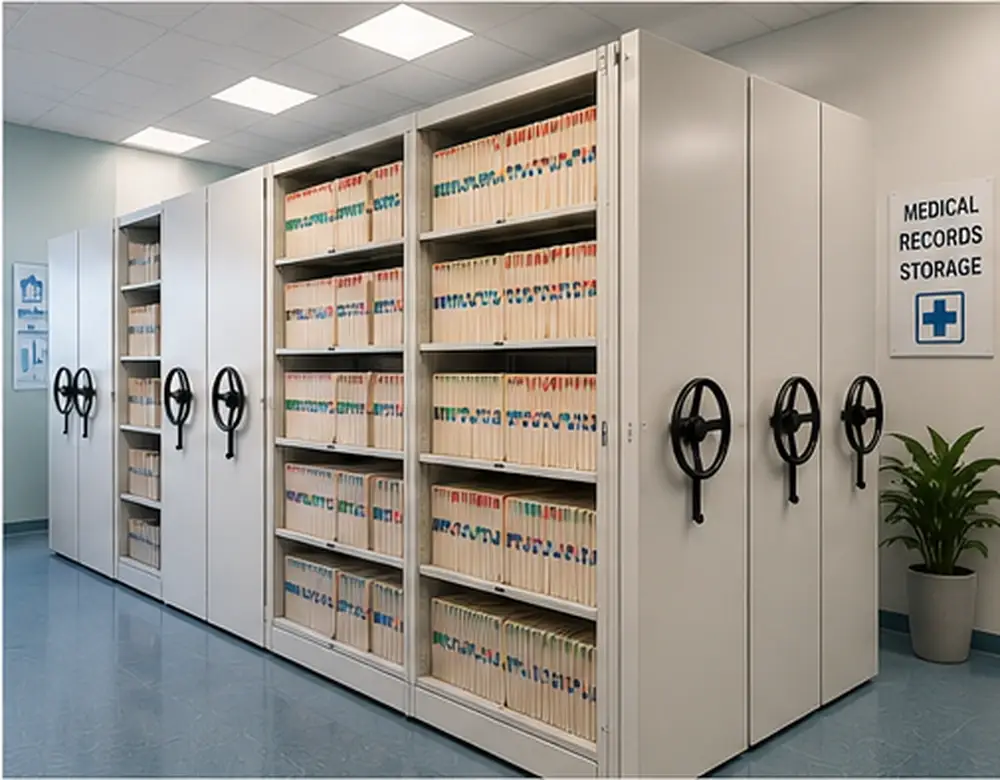
Medical Records
High-volume files with defined access responsibility.
From room data to an operating system
The control level is defined after the physical storage plan, operating responsibility and project conditions are understood.
Collect dimensions, floor information, access routes, power points and environmental conditions.
Confirm file formats, quantities, growth allowance, shelf loads and retrieval frequency.
Select the interface, safety devices, permissions, lighting and optional integration.
Approve layout, finishes, electrical documents, structural details and installation sequence.
Commission movement, verify safety logic and train operators and maintenance staff.
Smart Mobile Shelving System FAQ
These answers provide a preliminary reference. Final functions and specifications depend on the archive room, workflow and approved project scope.
What is the difference between electric and smart mobile shelving?
Electric mobile shelving mainly provides powered aisle opening. Smart mobile shelving adds a more complete control layer, which may include touchscreen operation, status display, user permissions, alarm history, aisle lighting and approved system interfaces.
Can the smart mobile shelving system work without a network connection?
Yes. A project can use a local standalone controller when remote data or higher-level integration is unnecessary. Networked functions are optional and should be selected according to the archive management process and IT policy.
Can user permissions be configured by department or archive zone?
Permission levels can be configured when specified in the project. The exact method may use passwords, cards or another approved access approach depending on the required control level.
What safety devices are normally included?
Typical systems may include emergency-stop devices, obstacle sensors, overload protection, motion warnings, aisle confirmation and mechanical anti-tilt measures. The final safety package is confirmed after reviewing the room layout and local requirements.
Can the system connect with archive-management software?
Project-defined interfaces may be available, but compatibility must be confirmed before production. SAS reviews the required protocol, data flow, responsibility boundary and commissioning method with the customer or system integrator.
What information is needed for a quotation?
Please provide the archive room dimensions, floor plan, ceiling height, doorway size, file or box dimensions, estimated quantity, growth allowance, operating frequency, power standard and any access-control or monitoring requirements.
Send us the archive room layout and operating requirements
SAS can prepare a project-oriented smart mobile shelving proposal covering storage capacity, row arrangement, control functions, safety devices and installation requirements.