
Archive Access Control System for Secure Records Storage
Controlled archive-room entry, user authorization and access-event planning for government archives, banks, hospitals, universities and records centers where restricted documents require accountable physical access.
Control who enters the archive, when they enter and what happens next
An archive access control system should connect protected zones, user roles, permission rules, access records and response procedures. SAS designs the access scope around the archive workflow rather than treating a card reader or lock as the entire security solution.
Protected Zones
Map archive rooms, restricted storage, service routes and other controlled areas.
User Roles
Separate operators, managers, visitors, contractors and emergency personnel.
Permission Logic
Define purpose, time, approval, expiry and review rules for each protected zone.
Events & Response
Plan for denied entry, lost credentials, forced doors, maintenance and system outages.
Card, credential and role-based entry for controlled archive areas
Access credentials can support accountable archive-room entry when they are linked to approved user roles, protected zones and review procedures. The project should define who can enter, during what time period and under whose authority.
- Role-based authorization for archive staff and approved users
- Temporary or time-limited access for visitors and contractors
- Access-event records for review and incident investigation
- Permission change and credential-revocation procedures
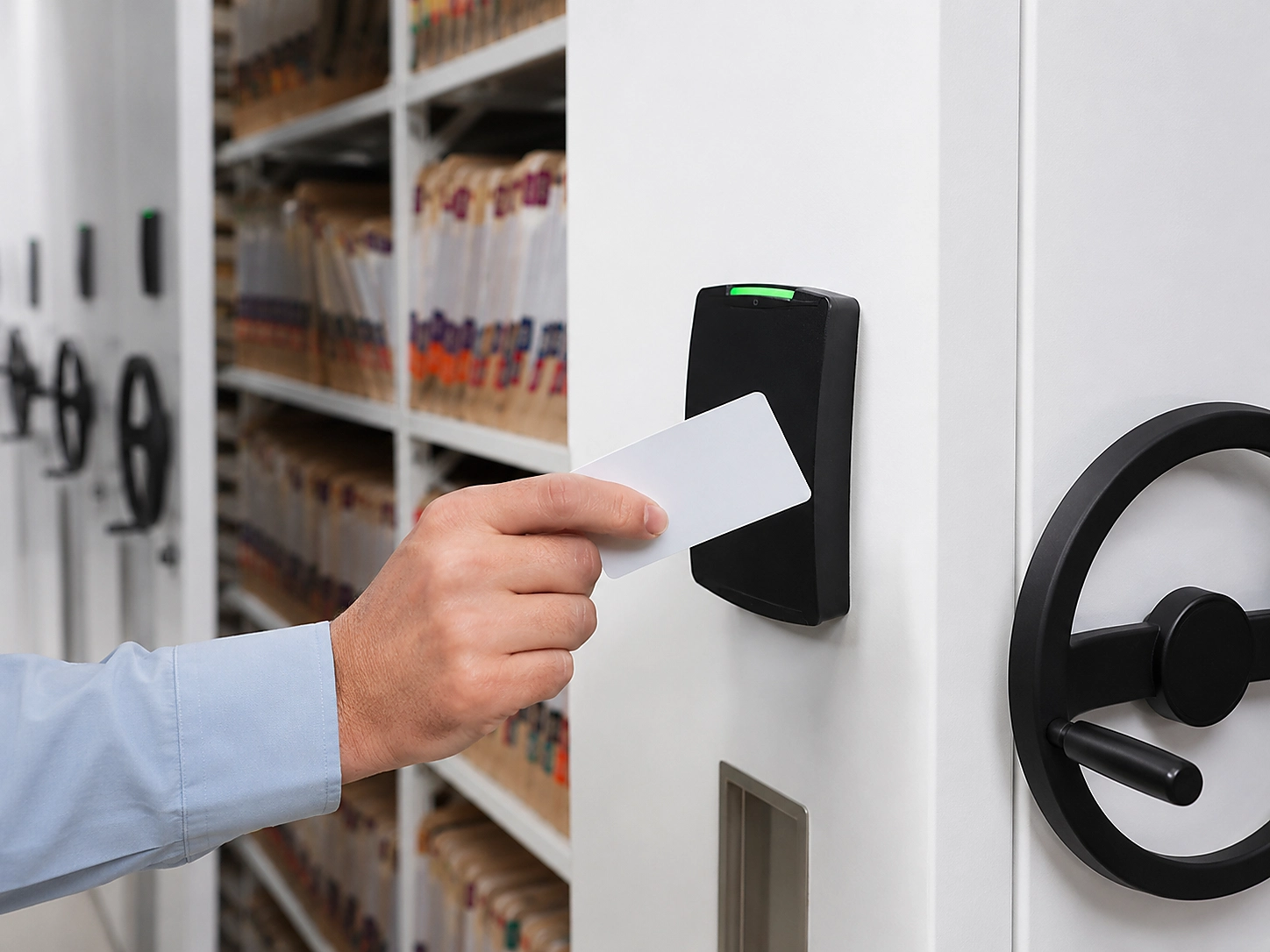
Choose the access model by archive operating need
| Archive situation | Access-control emphasis | Decision to document |
|---|---|---|
| Small archive with limited staff | Simple permission groups, controlled credentials and a clear archive-room procedure. | Who issues access and who reviews it after staff changes? |
| Multiple archive rooms or departments | Zone-based permissions, consistent user roles and centralized review. | Which role can enter each archive zone and who approves exceptions? |
| Frequent retrieval and service visits | Visitor or contractor workflow with time-limited access. | How is temporary access recorded and closed after work? |
| Sensitive or regulated records | Stronger role separation, access records, restricted storage and incident response. | What access evidence must be retained and who reviews anomalies? |
Coordinate room access with lockable cabinets and smart shelving
Archive-room permission and storage-equipment permission can be related without being identical. Sensitive projects may require separate controls for the room, cabinet, compartment or smart shelving operation.
- Match access zones to the actual archive storage layout
- Separate room entry from cabinet or system-operation permissions where required
- Keep emergency and maintenance access procedures documented
- Coordinate access records with archive security monitoring
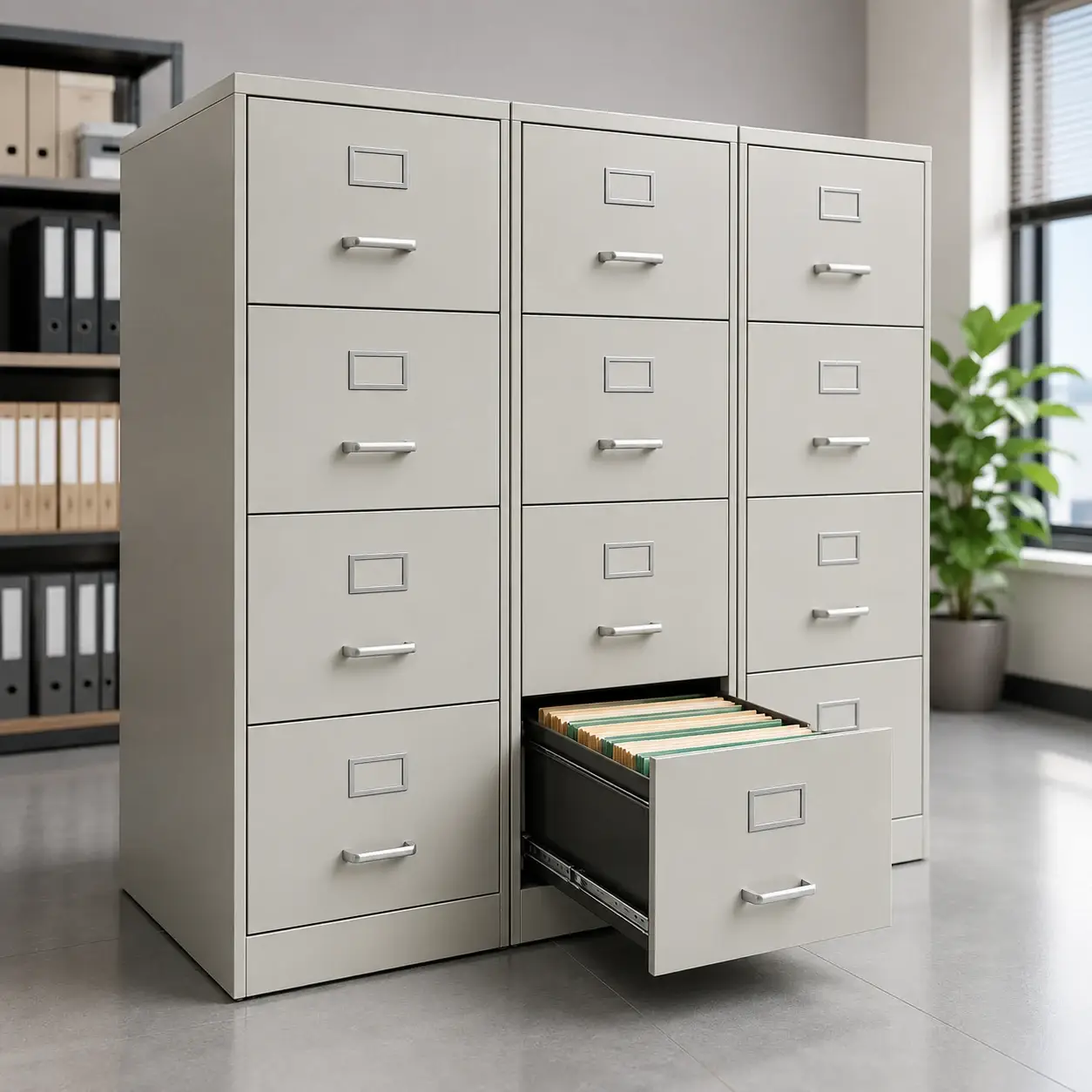
Project development sequence
Connect access control with smart archive management
For higher-security projects, physical access permissions can be coordinated with RFID archive management, smart archive platforms and security monitoring while keeping each system’s responsibility clear.
Archive Access Control FAQ
Does archive access control replace physical locks?
Not necessarily. Depending on the project, access control may be combined with physical locks, credentials, visitor procedures and custody rules. The correct combination depends on the protected zone and collection sensitivity.
Should room entry and cabinet access use the same permission?
They may be related, but they should not automatically be treated as the same permission. The archive owner should decide whether room, cabinet, compartment and system-operation access need separate control.
Can contractors receive temporary archive access?
Yes, where approved by the archive owner. Temporary access should have a defined purpose, duration, supervision requirement and record of completion.
Can access control integrate with RFID archive management?
Yes, where the project requires it and the interfaces, user roles, data responsibilities and security rules are defined. Physical access and RFID records-management functions should remain clearly scoped.
What information is needed for a preliminary access-control plan?
Provide the archive room plan, number of entrances, user groups, working hours, collection sensitivity, restricted zones, existing security systems, storage equipment, destination country and any required integration scope.
Define the protected archive boundary
Send the archive room plan, user roles, storage arrangement and security requirements. SAS can define a practical access-control scope with clear permissions, interfaces and responsibilities.
Archive Access Control System planning reference
This archive access control system page connects protected zones, user roles and access records to the physical storage plan. For records-management guidance, review the U.S. National Archives records management policy resources alongside the project security review.